VIKUNJA · PRODUCT WALKTHROUGH
YOU JUST FOUND YOUR DEMO CREW
Record demos as you build.
Ship a feature, get a narrated demo of it. We turn your web app into videos that do the explaining for you.
- 3 free videos
- No card needed
- No recording or editing
- YOU BUILD IT
- WE CLICK IT
- WE NARRATE IT
- YOU SHARE IT
- 3 formats
- 9 natural voices
The process
Three steps. Your next great demo.
Skip the screen recording, the retakes, and the afternoon in a video editor.
Connect your app
Sign in to your demo account in a secure browser. We keep an encrypted session, never your password.
Describe the demo
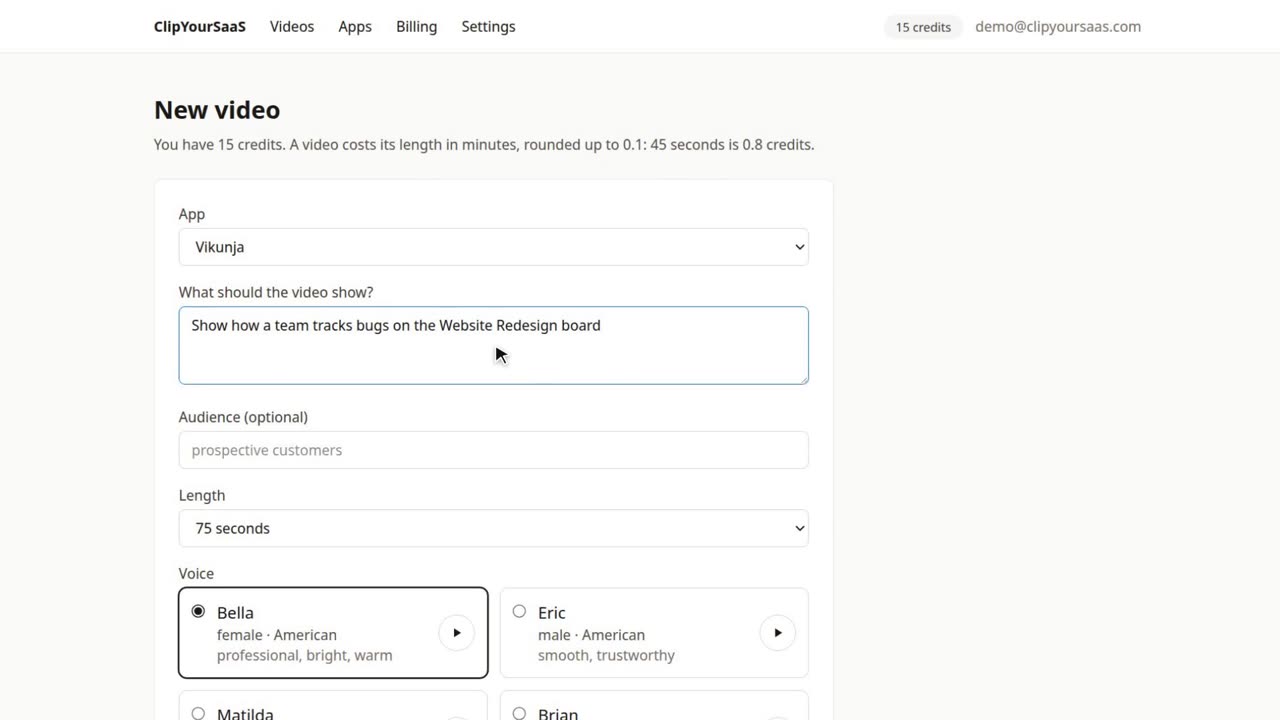
Tell us what you want to show. Our AI explores the app and writes the story.
Meet your finished video
Real clicks. Natural narration. Captions included. Ready for your next launch.
The proof is in the play button
Real apps. Real show-offs.
Actual videos made with ClipYourSaaS. Press play. Hear the difference.
BUILDVENTORY · FEATURE DEMO
From available to on hold.
One story. Every screen.
Big screen. Small screen. Your scene.
Your website, your feed, your next launch. Every demo comes in landscape, square, and vertical. All in 1080p, with captions.
Three formats. Included in every video.
Your website1080p · Captions included
Share it the moment it’s ready.
Every finished video gets its own share page, and the posts are written for you.
- A share page that playsPaste the link anywhere and it unfurls as a playable video.
- One click to postLinkedIn, X, Facebook, Instagram, TikTok, YouTube Shorts, Reddit or email, straight from the video page.
- Send it to your phoneScan a QR code to open the video on your phone and share it from there.
- Post text, written for youSuggested posts for LinkedIn and X, plus a caption with hashtags.
Sounds like a natural
Give your app a voice.
Nine natural narrators. American and British. Here are three to get you started.
Hear all 9 voices
Press play to hear a real voice sample.
Your app is in good hands.
You sign in yourself, in a secure browser. We keep an encrypted session, never your password. Demos are view-only by default.
Great demos. Simple math.
Big debut. Small commitment.
A monthly plan, or minutes you buy once and use when you need them. All three formats included. Failed videos cost nothing.
Start with 3 free videos. No card needed.
Save up to 16% with a monthly plan
Starter
$7.50
/moChoose Starter10 minutes of finished video
$0.75 per finished minute
- Most popular
Builder
$15
/moChoose Builder25 minutes of finished video
$0.60 per finished minute
Studio
$34
/moChoose Studio60 minutes of finished video
$0.57 per finished minute
Scale
$79
/moChoose Scale150 minutes of finished video
$0.53 per finished minute
Renews every month until you cancel.
Starter
$9
one-timeChoose Starter10 minutes of finished video
$0.90 per finished minute
- Most popular
Builder
$18
one-timeChoose Builder25 minutes of finished video
$0.72 per finished minute
Studio
$40
one-timeChoose Studio60 minutes of finished video
$0.67 per finished minute
Scale
$95
one-timeChoose Scale150 minutes of finished video
$0.63 per finished minute
USD, before tax. Pay by card. Credits last 12 months. Free videos: one per day, up to 60 seconds, with a watermark. Full pricing details
How do I try it for free?
Sign up and make 3 free videos, one a day, each up to 60 seconds and watermarked. No credit card needed.
How do credits work?
You get credits from a monthly plan or a one-time pack: 1 credit = 1 minute of finished video, rounded up to the nearest tenth of a minute. Each video is quoted at its maximum length (the length you choose is the most it can run) when you start it. You're never charged more than this quote; a shorter video costs less. Plans start at $7.50 a month for 10 credits, and bigger plans bring it down to $0.53 per credit. One-time packs cost more per credit than the same monthly plan (a monthly plan saves up to 16%). Credits last 12 months, the landscape, square and vertical versions are included, and failed videos are never charged.
Can I make a video without narration?
Yes. Choose No narration: the video is filmed with on-screen step labels instead of a voice (or with nothing, if you turn captions off), and it costs 25% less. Captions on or off doesn't change the price.
Do you need my password?
No. You sign in to your demo account yourself, in a secure browser streamed from our servers. We keep an encrypted signed-in session; we never see or store your password. Disconnect it any time, or have us forget it after each video.
Will it change my data?
Only if you allow it. Every app starts as View only: the demo reads and navigates, and changes nothing. Limited changes allows only the changes you describe. Any changes is for a demo account you're happy to have changed. With either, you can add a reset link that we call before every run to put the account back.
Which formats do I get?
Every video comes in three formats: landscape (16:9) for your site, square (1:1) for LinkedIn, and vertical (9:16) for Reels, Shorts and TikTok. All are 1080p, with captions unless you turn them off. Videos run up to 2 minutes, or up to 10 minutes with "As long as it takes" (paid videos).
Can I choose the voice?
Yes. Pick from nine natural voices, male and female, American and British, and play a sample of each before you start.
What kind of apps does it work with?
Any web app that runs in a modern browser: SaaS dashboards, admin tools, internal apps. Desktop and mobile apps are not supported yet.
Do you have a referral program?
Give 3, get 3: friends who pay for their first purchase or plan get 3 bonus credits, and so do you. Find your link under Refer a friend in the app.
Your app, narrated.
Your app is ready. Let’s give it an audience.
Let’s make a demo
3 free videos. No credit card. Just a good story.